
Accessibility
A website for everyone
We want every member, neighbor and voter who visits our site to find what they need, whatever device they use and however they get around a website.
Our goal
We aim to meet the Web Content Accessibility Guidelines (WCAG) 2.1 at Level AA. That’s the common standard for making websites usable by people with disabilities, including people who use screen readers, a keyboard instead of a mouse, or larger text.
What we’ve done
- Everything works with a keyboard. Press Tab and a “Skip to content” link comes first, the menus open and close with the keyboard, and you can always see where you are on the page.
- Text and buttons are checked for contrast so they’re easy to read.
- Photos on our main pages have written descriptions for screen readers. Purely decorative pictures are skipped so they don’t get in the way.
- Every field on our contact and membership forms has a label, and required fields are marked.
- If your device is set to reduce motion, the video at the top of our home page and the page animations stay still.
Every page is tested with automated accessibility checks on a computer, a tablet and a phone, and by moving through it with only a keyboard.
What we’re still working on
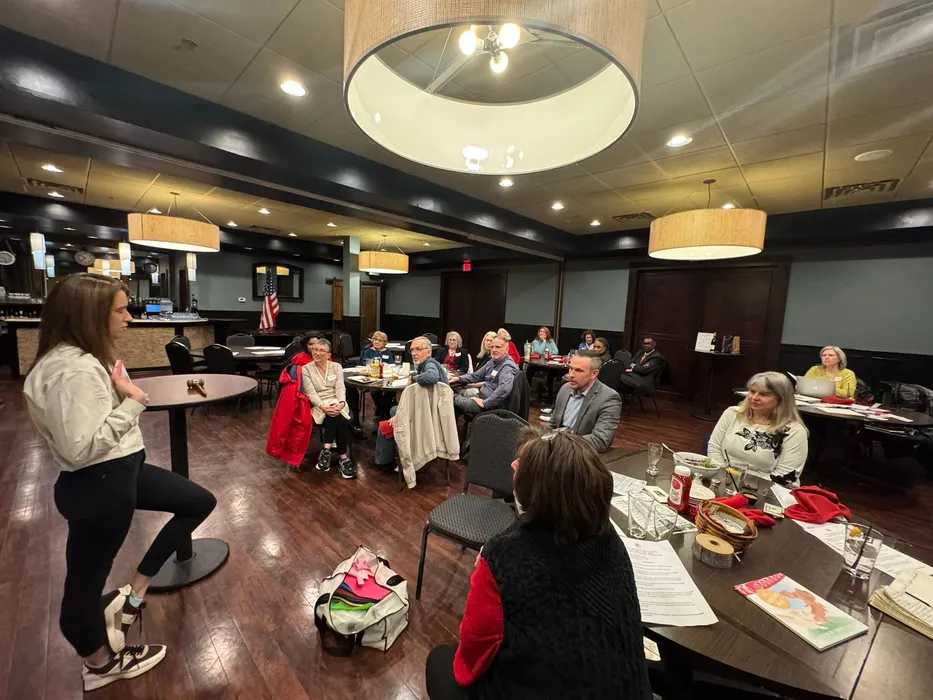
- Our gallery photos are described only by the event they’re from, not by what’s in each picture.
- Our scholarship application and event forms are PDFs, which may not read well with a screen reader. Contact us and we’ll get you the information another way.
- Some logos, like those of the groups we belong to and the “Register to vote” button, are pictures of text. Each one has a written description.
- Membership dues and donations are paid on PayPal’s website, which we don’t control.
- Our forms use a security check from Cloudflare to stop spam. It usually runs unseen, but if it ever gets in your way, reach us another way below.
This statement was last reviewed in November 2026.